Grid Autosave
Overview
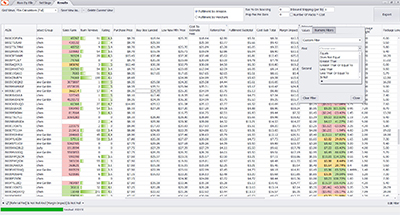
Analyzer.Tools now includes Grid Autosave, which automatically saves the state of your grid while you work. This means your filters, sorting, and grid setup are preserved even if you leave the page or refresh your browser. Check out the 1 minute demo video to see how it works!
How Grid Autosave Works
Grid Autosave automatically preserves:
- Applied filters
- Column sorting
- Column visibility and layout
- Other grid configuration changes
If you refresh the browser, navigate away from the page, or return later, your grid will be restored exactly the way you left it.
Resetting the Grid
If you want to start fresh, simply click the Reset button to return the grid to its default state.


Related Articles
-
Bulk Check Seller Restrictions (Amazon Ungating)
 News & Updates
Web
1 month ago
News & Updates
Web
1 month ago
-
Update to Premium Data Usage
News & Updates
Web
3 months ago
-
Break Even Amazon Sell Price, Thumbnails and Image Gallery
News & Updates
Web
11 months ago
-
“Bought in Past Month” for Bulk Spreadsheet Search
News & Updates
Web
1 year ago
-
Interactive Sales History Charts
News & Updates
Web
1 year ago
-
“Bought in Last Month” for Variations
News & Updates
Web
1 year ago